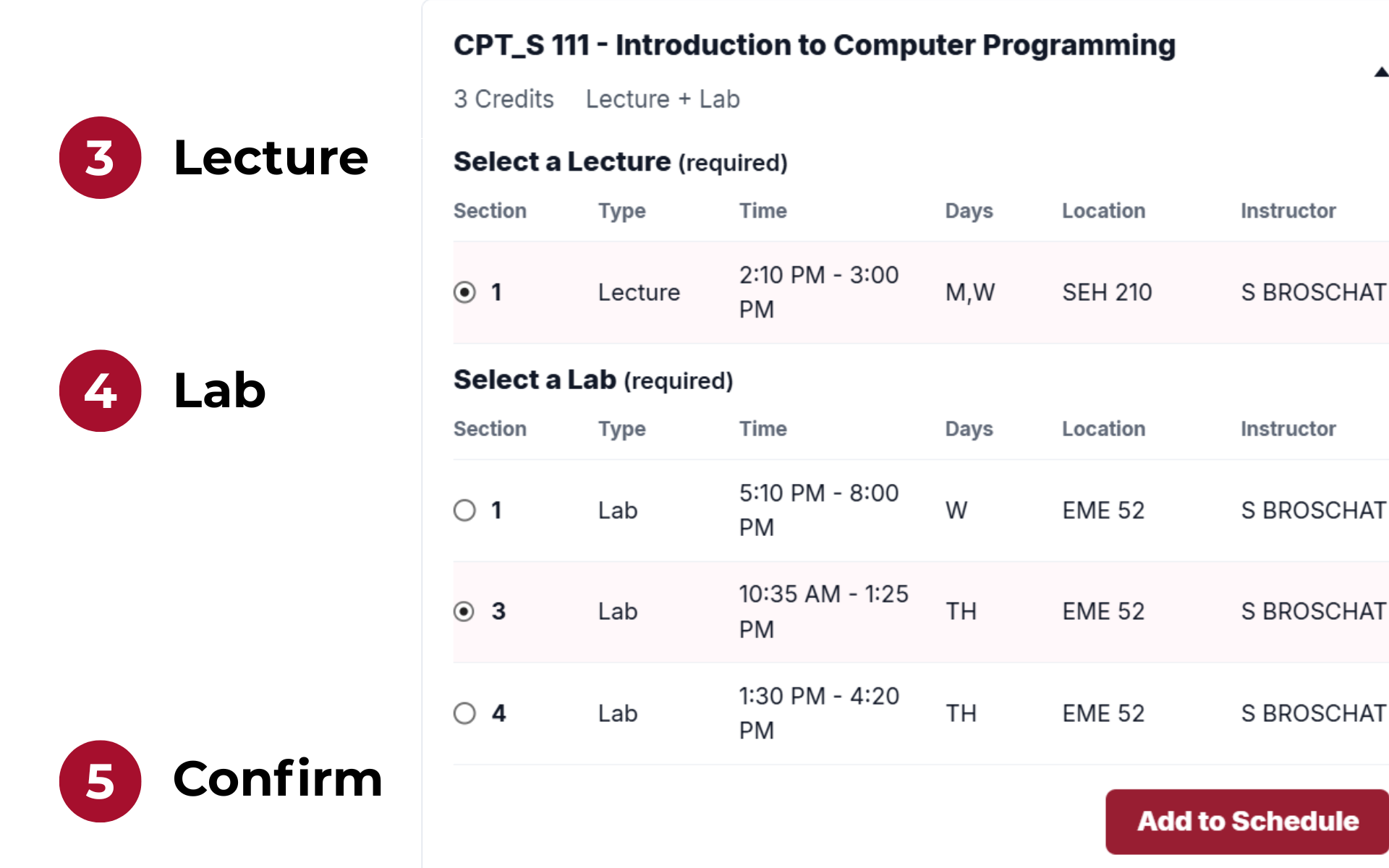
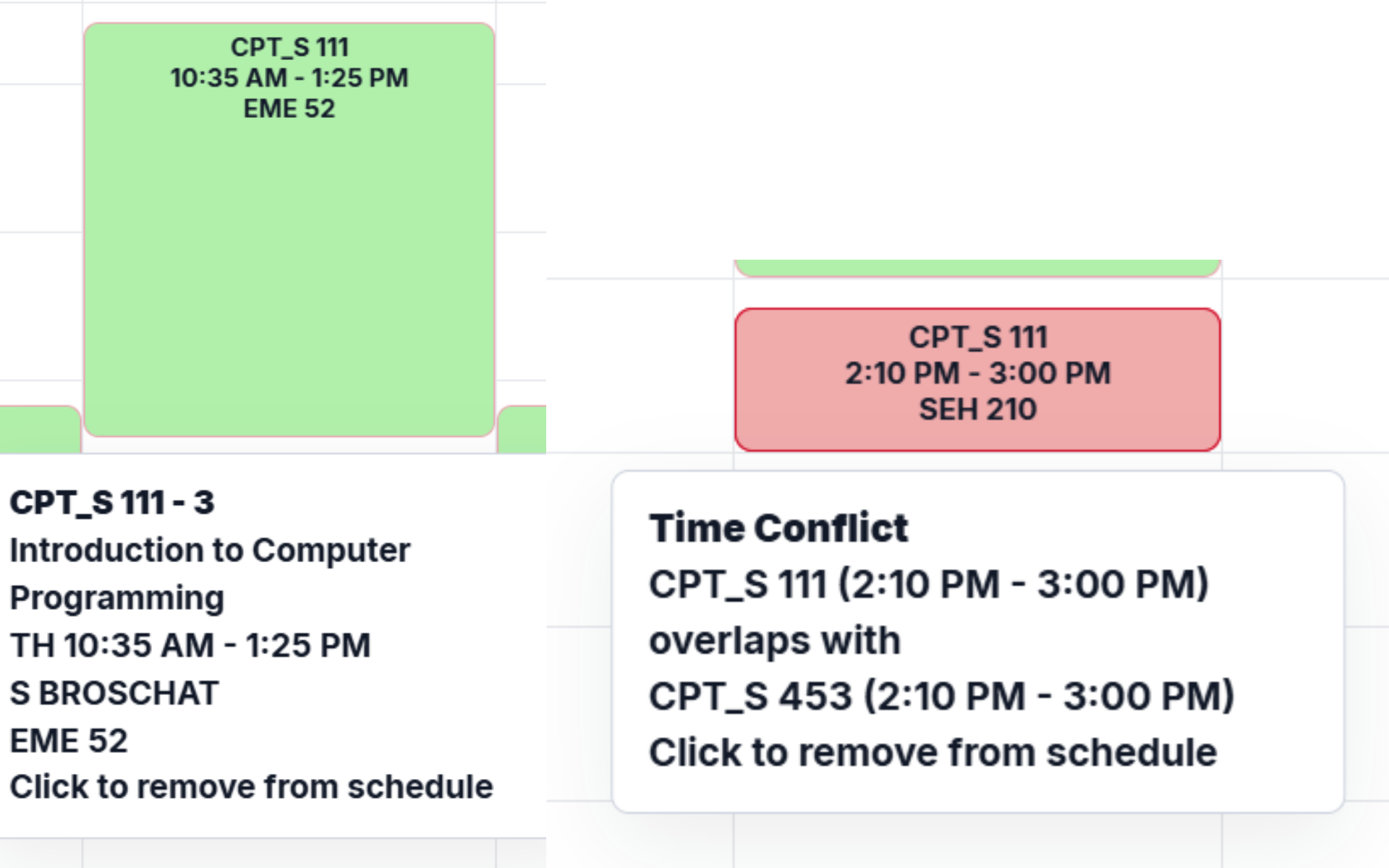
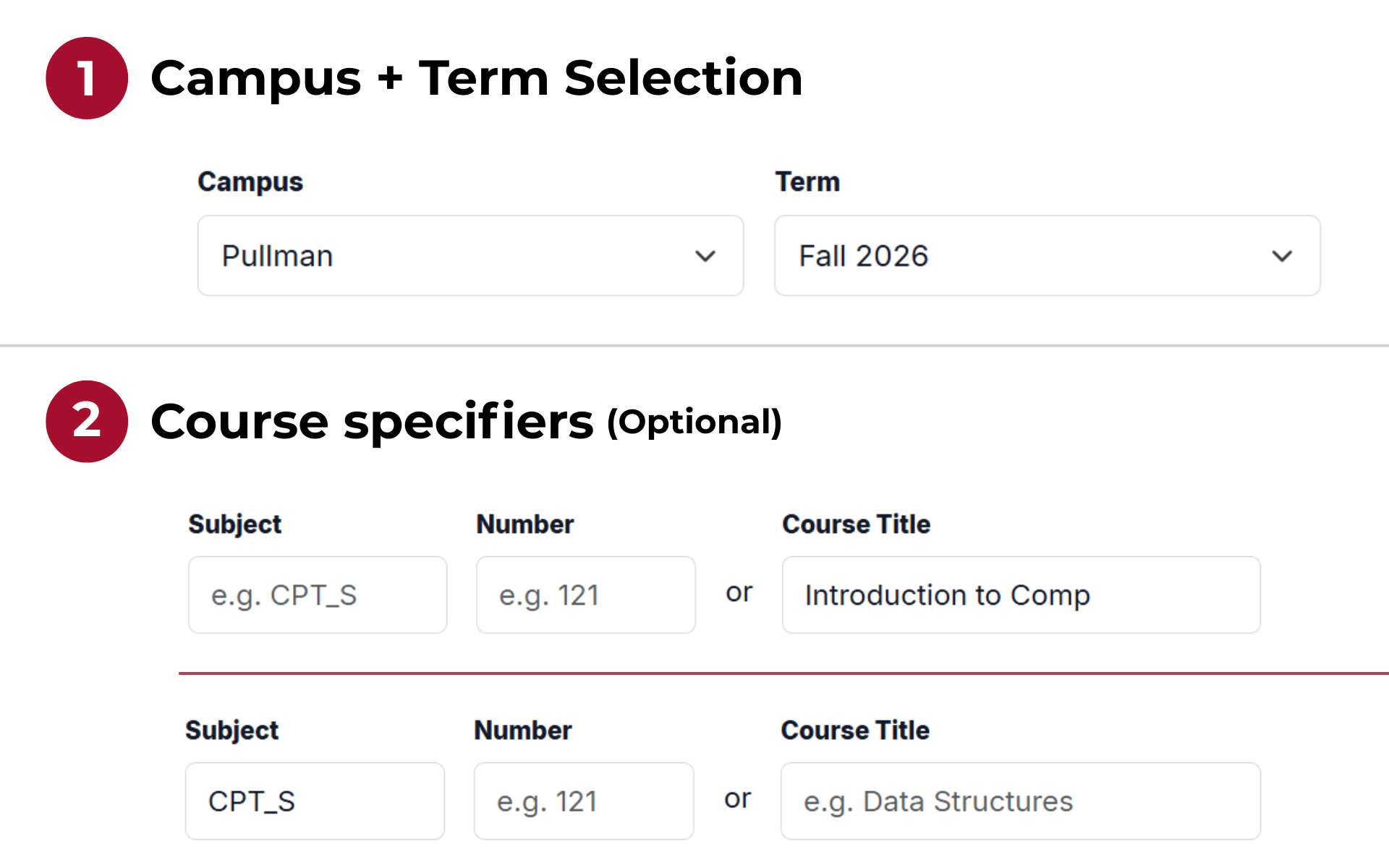
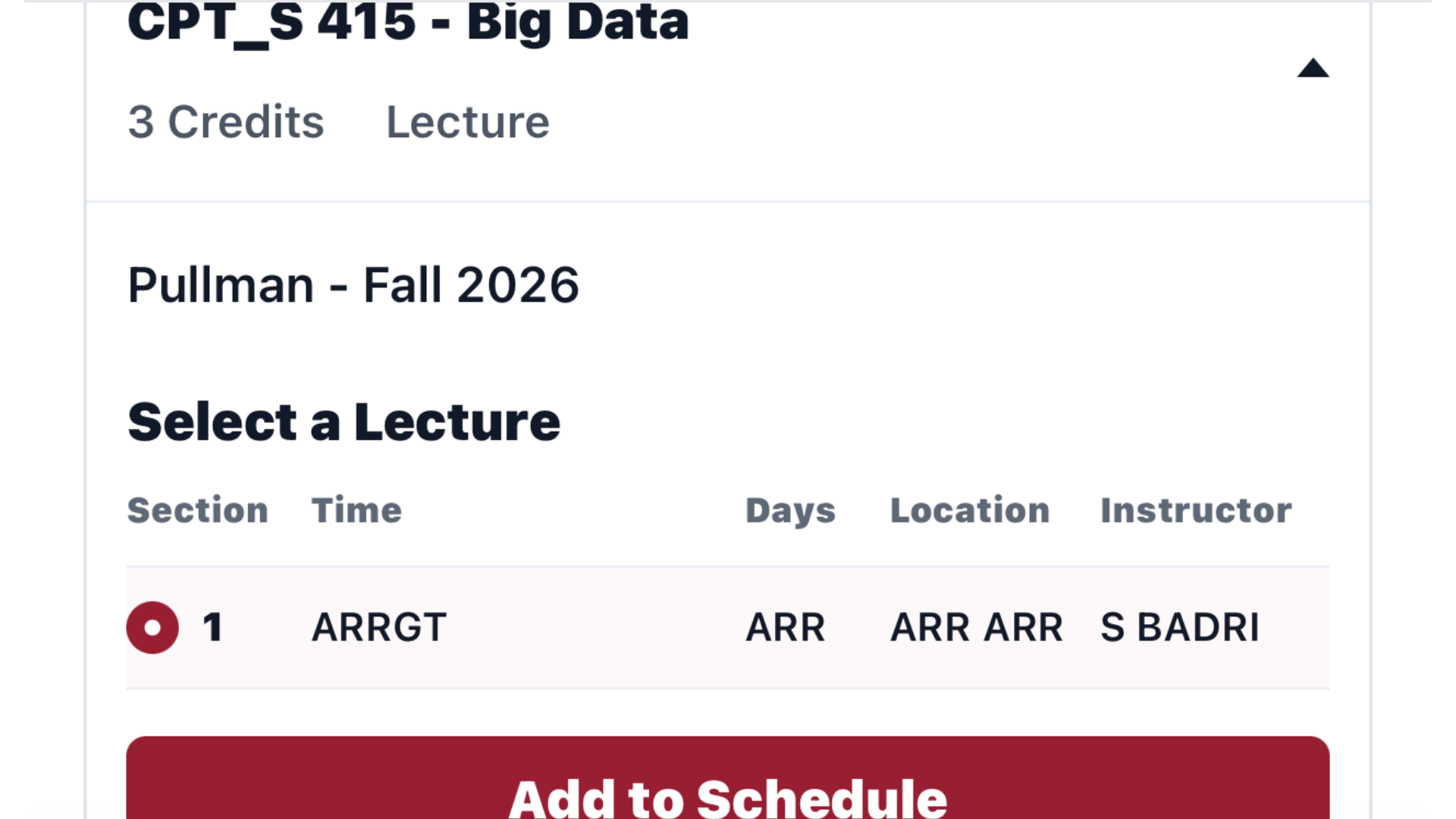
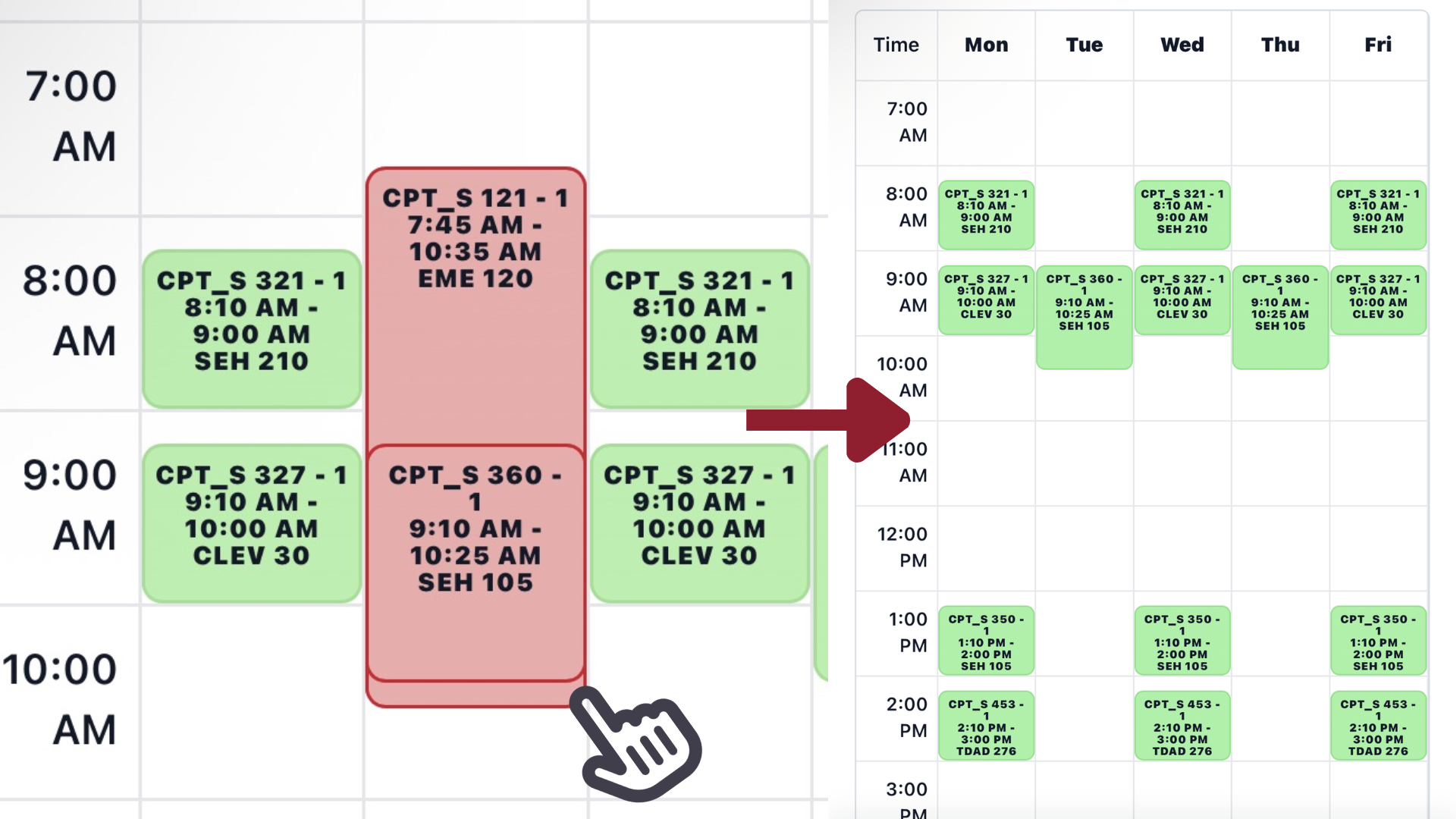
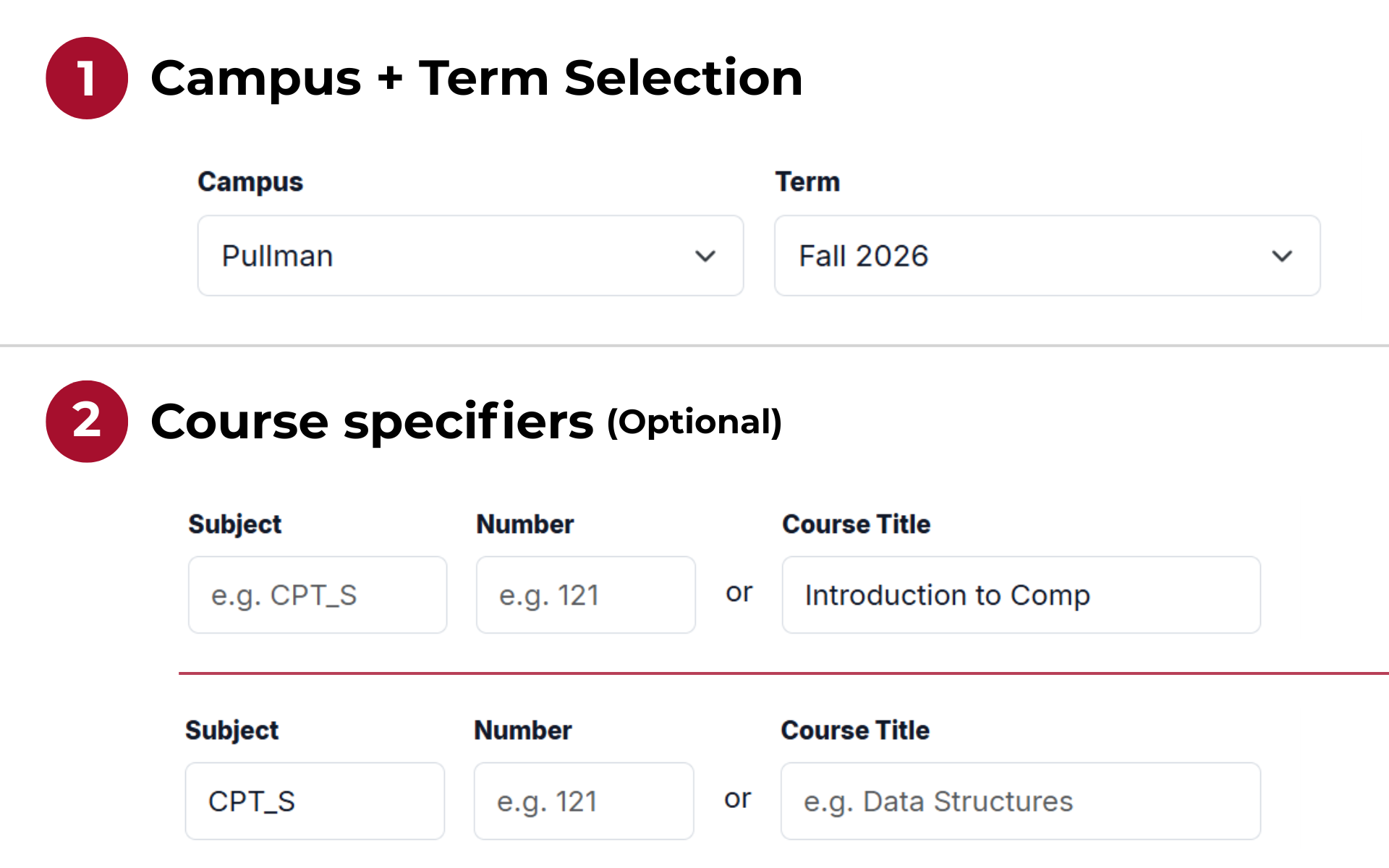
 Desktop search screenshot
Find a class
Pick a campus and term, then search by subject + number or by course title.
Effective date: August 16, 2026
These Terms of Service describe the rules for using Crimson Scheduler. By using this website, you agree to these terms and to the Privacy Policy.
If you do not agree to these terms, please do not use Crimson Scheduler. These terms may be updated over time, and continued use of the site after changes are posted means you accept the updated terms.
Crimson Scheduler is a WSU-focused schedule builder that helps students search course offerings and assemble a tentative weekly class schedule. It uses publicly accessible course schedule data and provides a responsive calendar UI for desktop and mobile.
Crimson Scheduler is an independent project. It is not affiliated with, sponsored by, operated by, or endorsed by Washington State University.
Course information can change without notice. Crimson Scheduler may be unavailable, incomplete, delayed, or inaccurate at times. The site does not guarantee that a course is open, that a section is available, that a schedule is valid, or that a user can register for selected courses.
Crimson Scheduler's project code is made available under the MIT License. The Crimson Scheduler name, site design, and project materials should not be used in a way that suggests official university endorsement. University names, course data, and related marks belong to their respective owners.
Crimson Scheduler is provided "as is" and "as available." The site is intended as a planning aid only. It does not provide academic advice, enrollment confirmation, degree requirement verification, or registration services.
To the fullest extent permitted by law, Crimson Scheduler and its maintainer are not liable for losses or damages arising from use of the site, inability to use the site, errors in course information, schedule conflicts, missed registration opportunities, or reliance on information displayed by the site.
These terms may be updated from time to time. When they change, the effective date at the top of this page will be updated.
Questions about these terms can be sent to d.montes-vilanova@wsu.edu. General contact guidance is available on the Contact page.