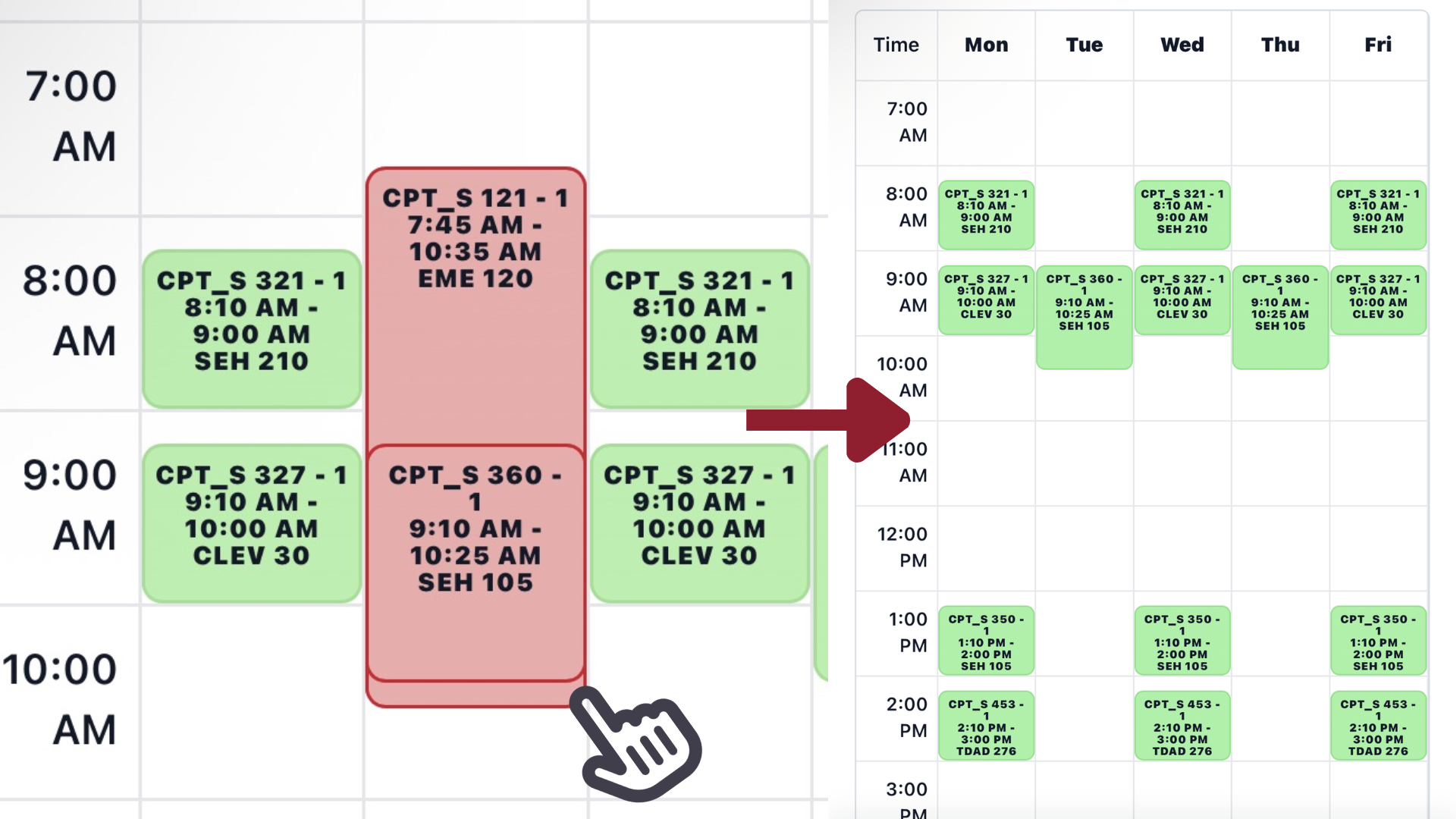
 Desktop search screenshot
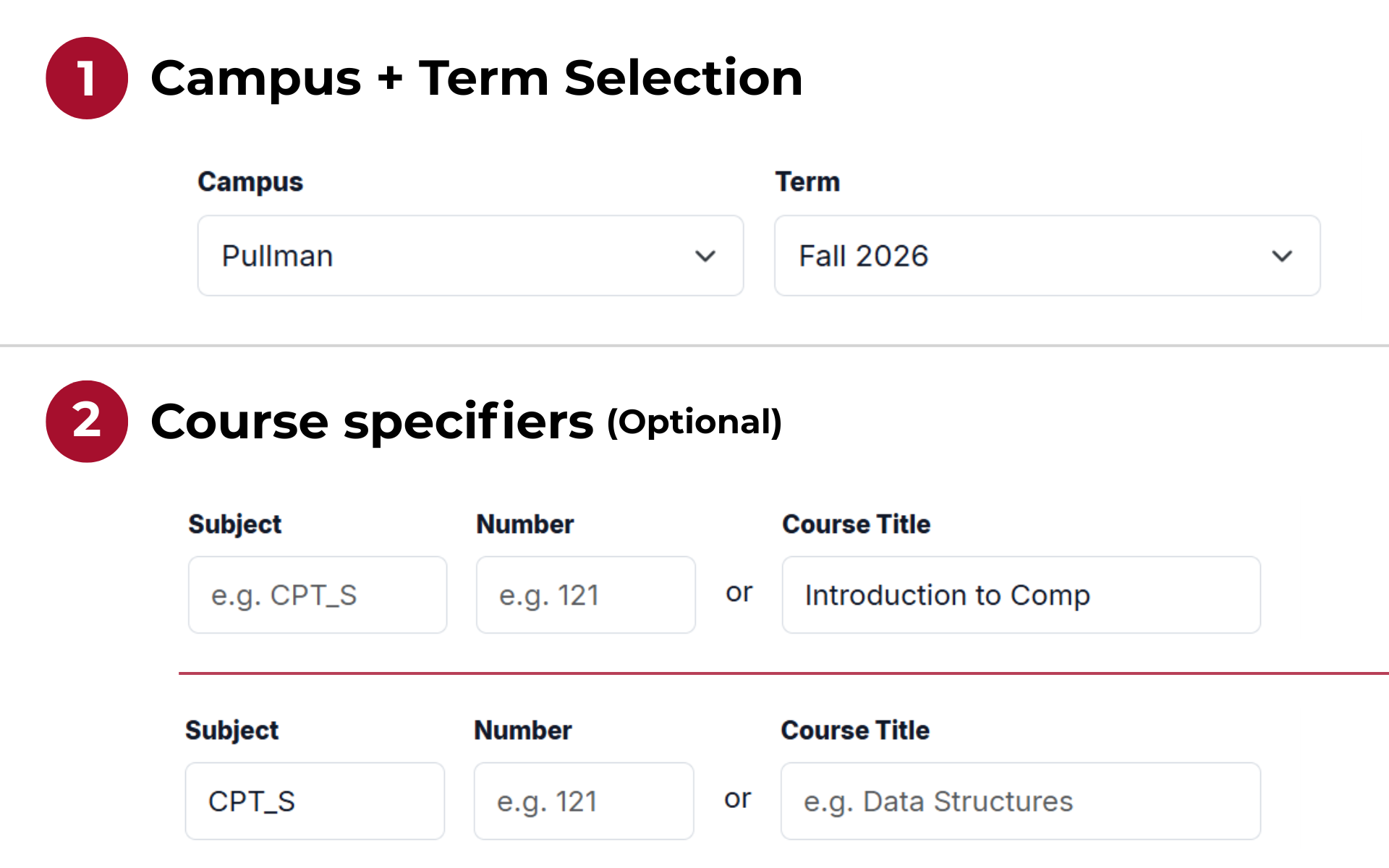
Find a class
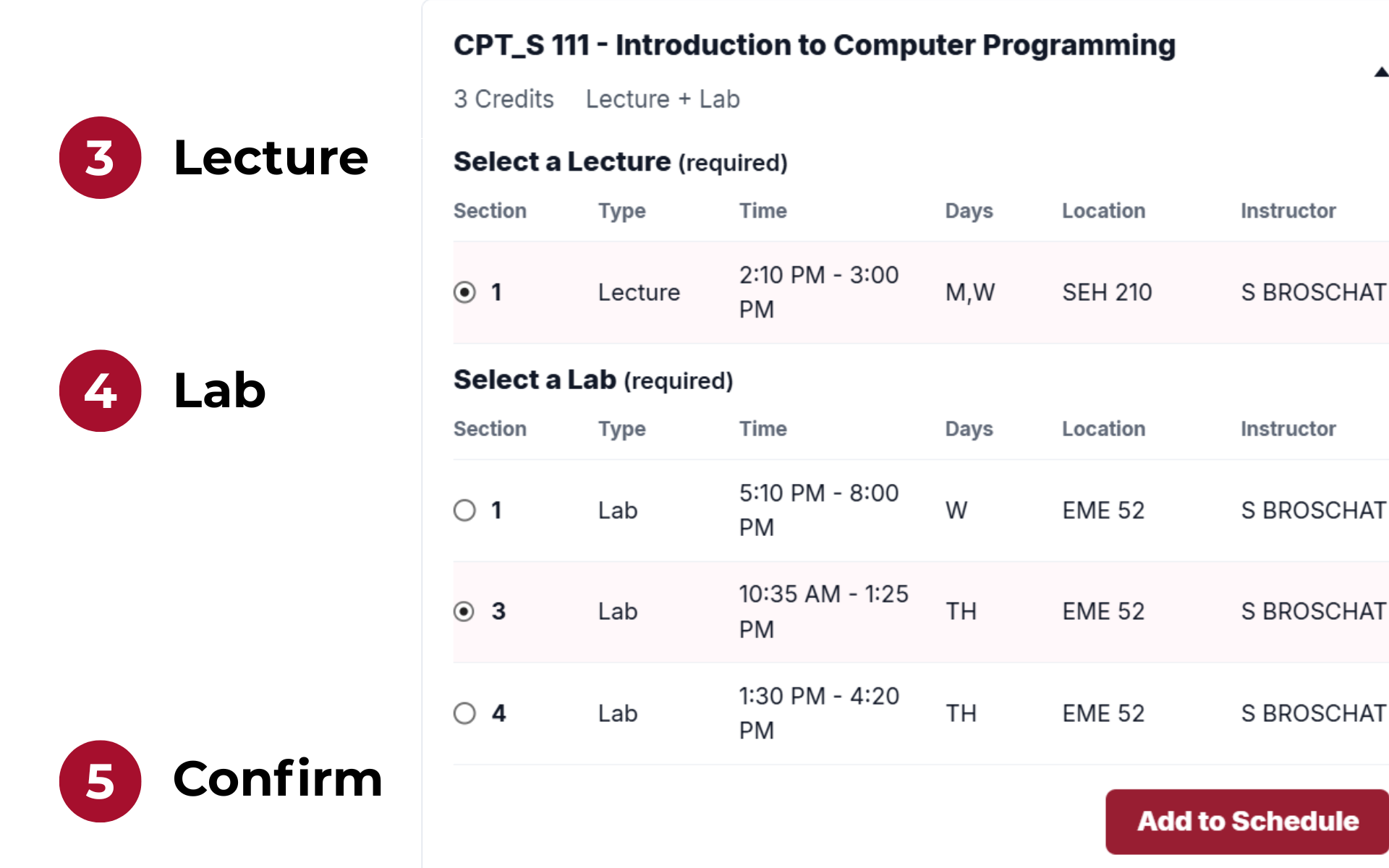
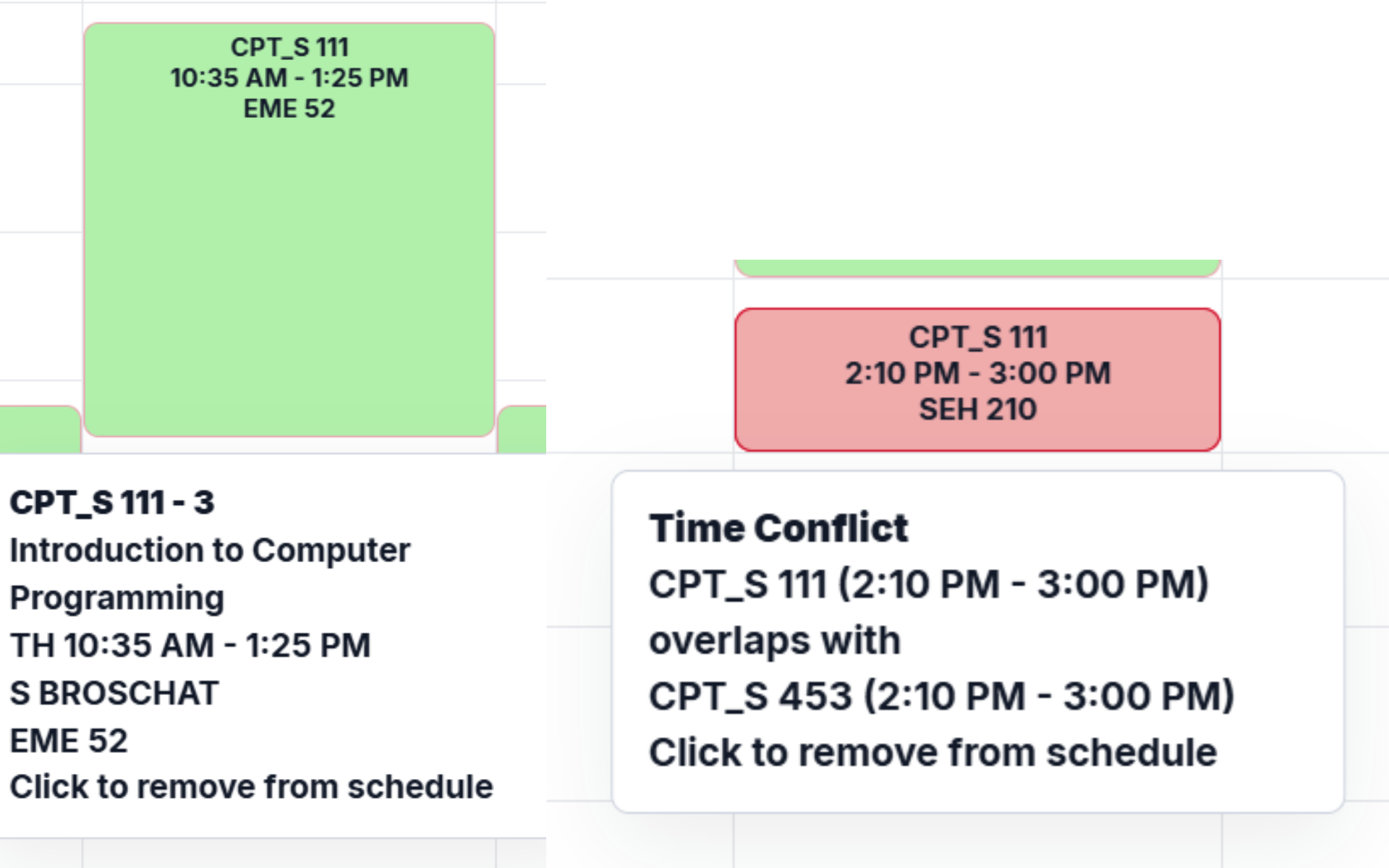
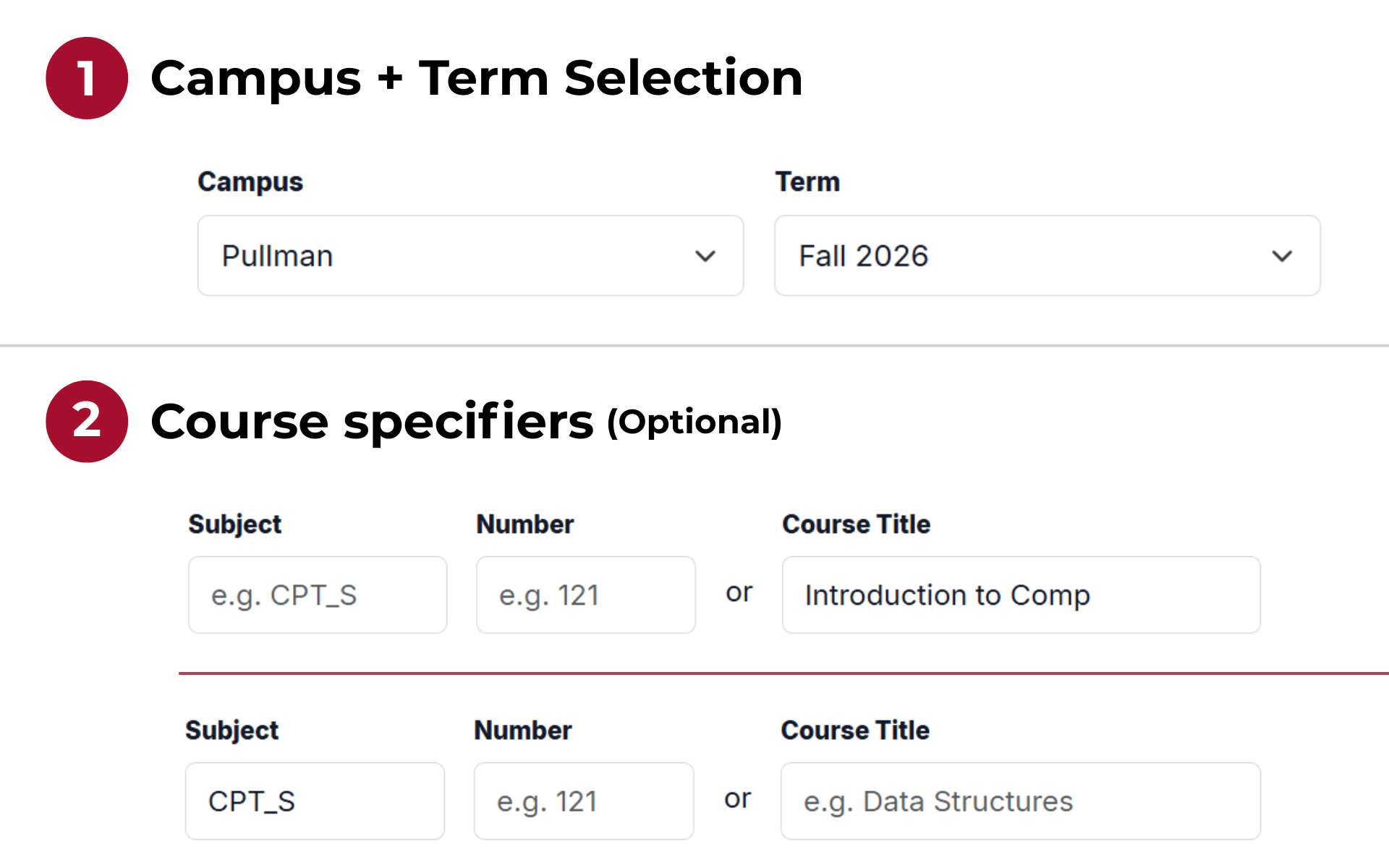
Pick a campus and term, then search by subject + number or by course title.
If you find an issue with the website, have a suggestion, or have another inquiry, feel free to reach out using the email below.
Email: d.montes-vilanova@wsu.edu
Public GitHub repository: https://github.com/NinjaO9/Crimson-Scheduler
If you find an issue with the site, the best place to report it is the project's public repository. Please label the issue as bug if possible.
If you do not have a GitHub account, you may also send an email using the contact above. For bug reports by email, please begin the subject with [Bug Report].
Please include a detailed description of the issue, the steps needed to recreate it, your browser and device if relevant, and screenshots if possible.
Suggestions are welcome! The preferred place for feature ideas is the project's public repository, using the enhancement label if possible.
You may also email suggestions to the address above. For suggestion emails, please begin the subject with [Suggestion]. Before suggesting a feature, please check the active GitHub issues to see whether it has already been suggested or is already in development.
Privacy questions, data-related requests, and accessibility feedback can also be sent to the email address above. If you are reporting an accessibility issue, please include the page, device, browser, and assistive technology involved if you are comfortable sharing that information.
For questions or other inquiries, feel free to reach out by email :)
Response time may vary, as I am a college student with a lot of responsibilites. That said, I will try to acknowledge issues and emails within 3-5 days.