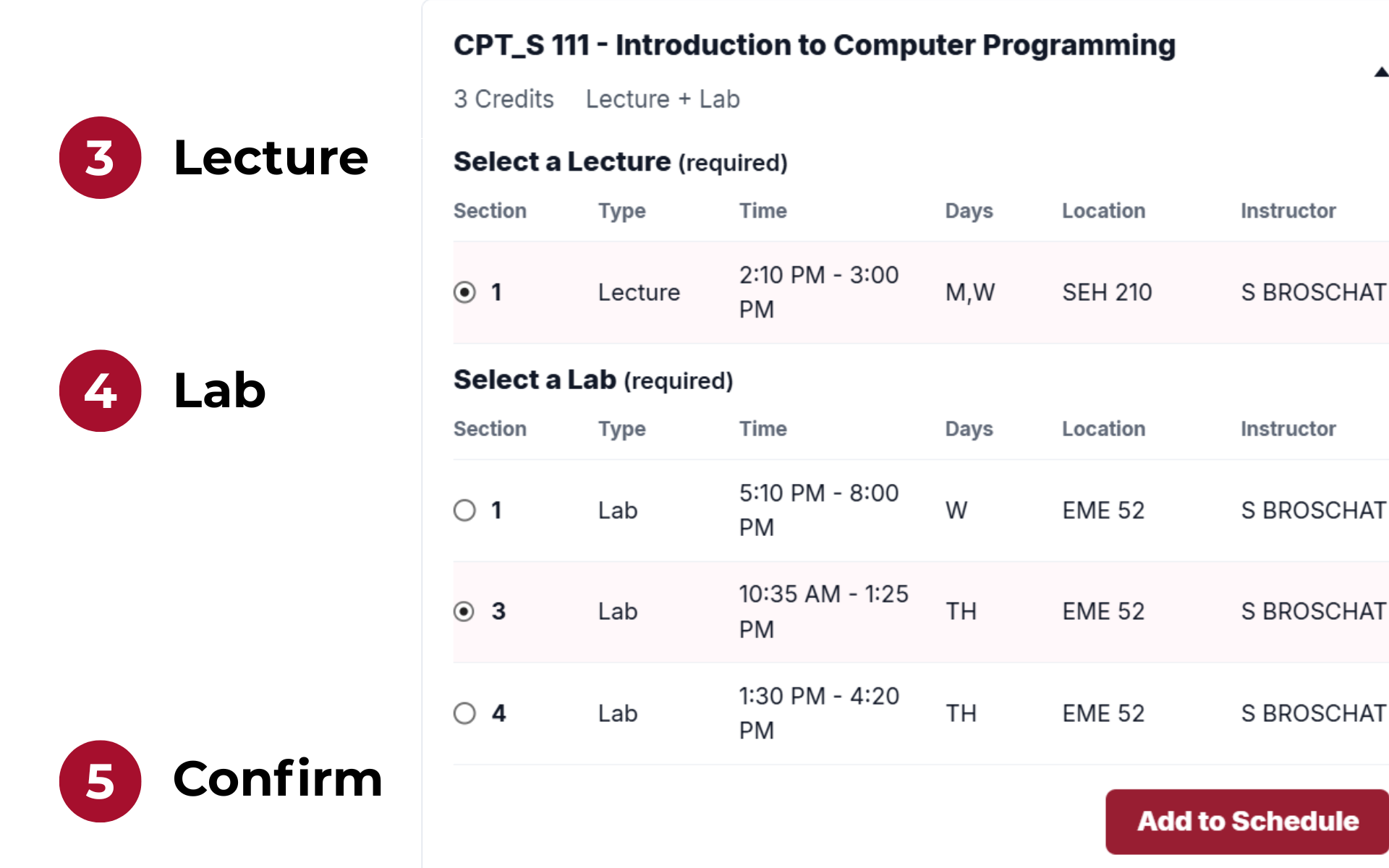
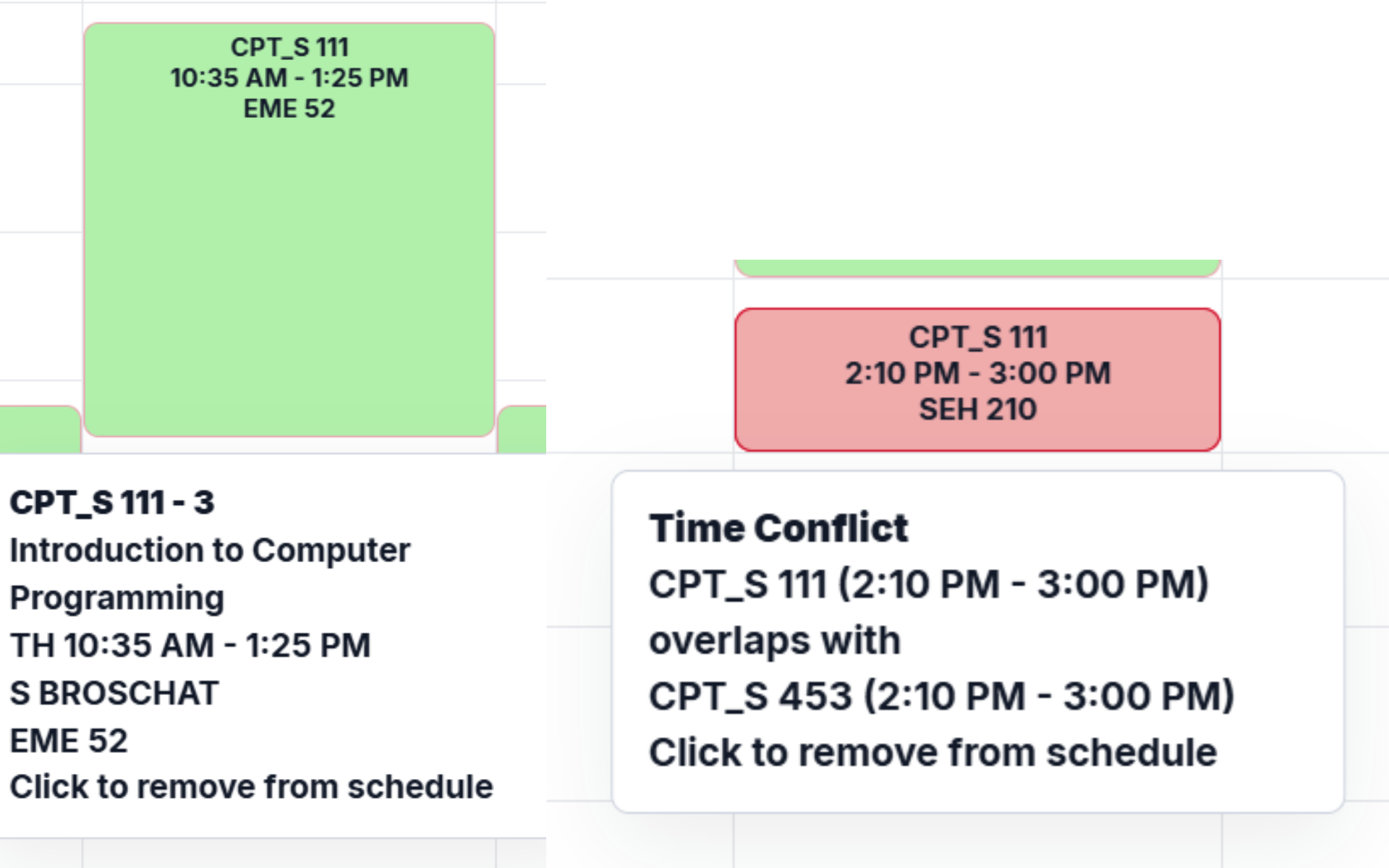
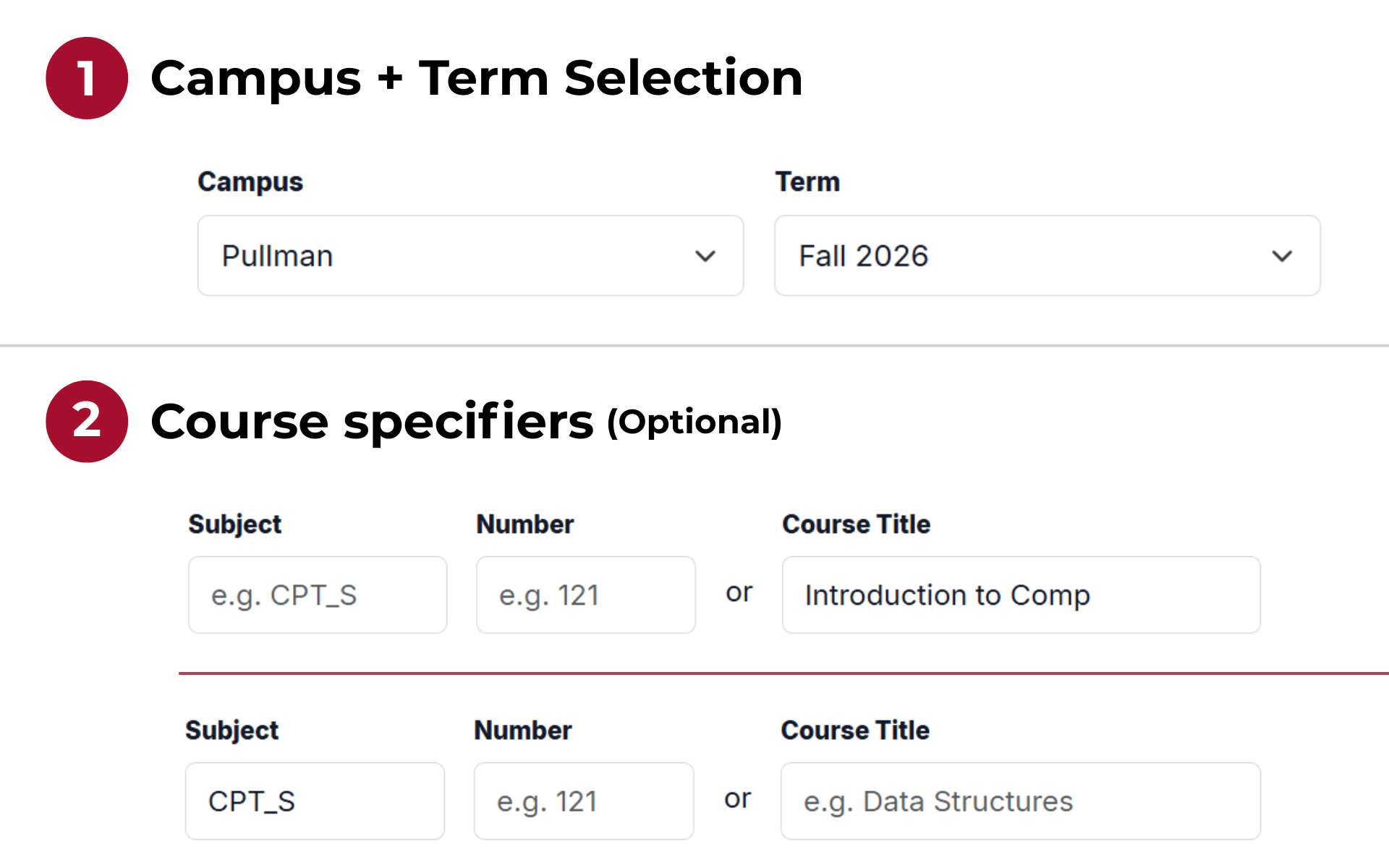
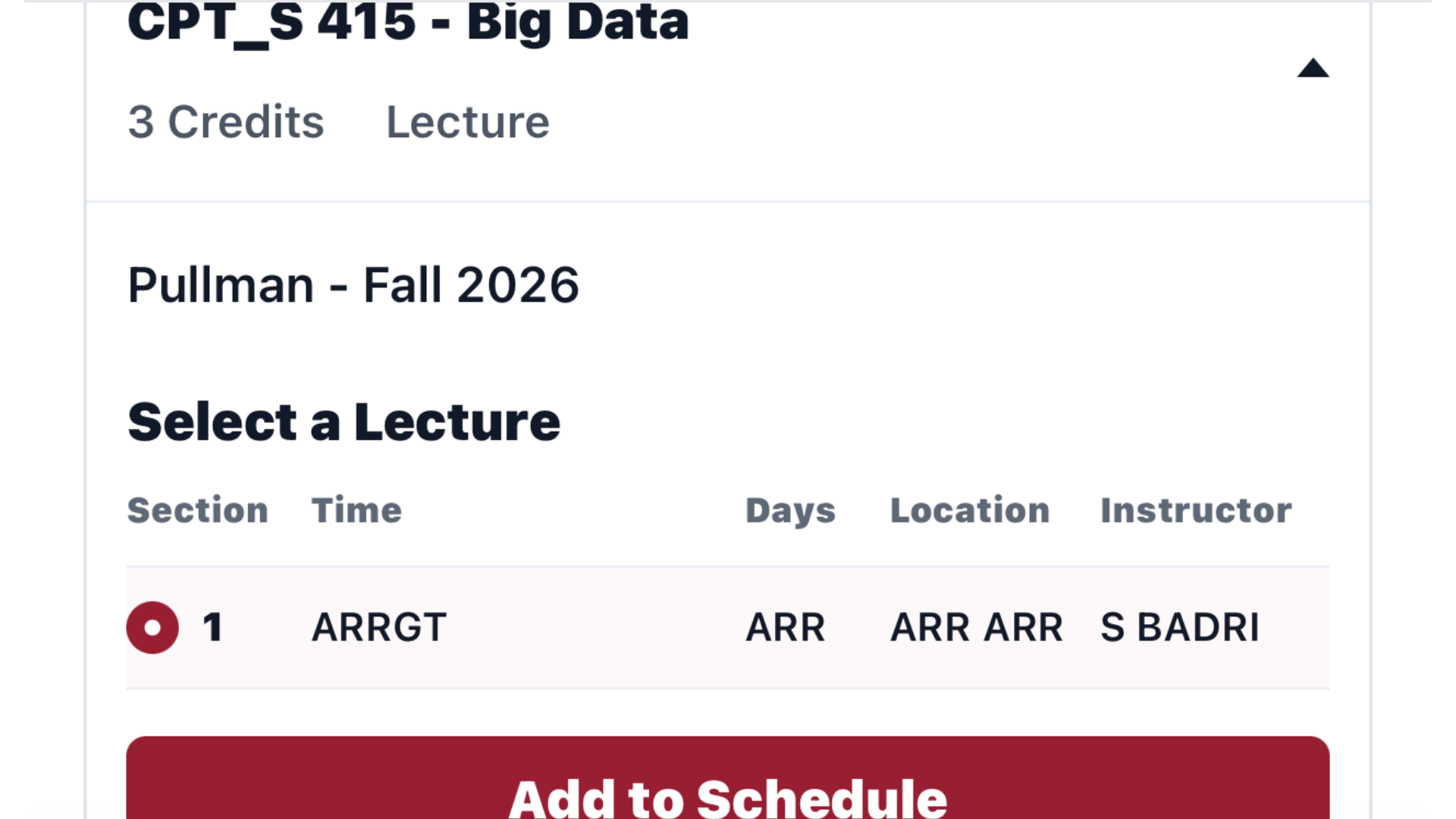
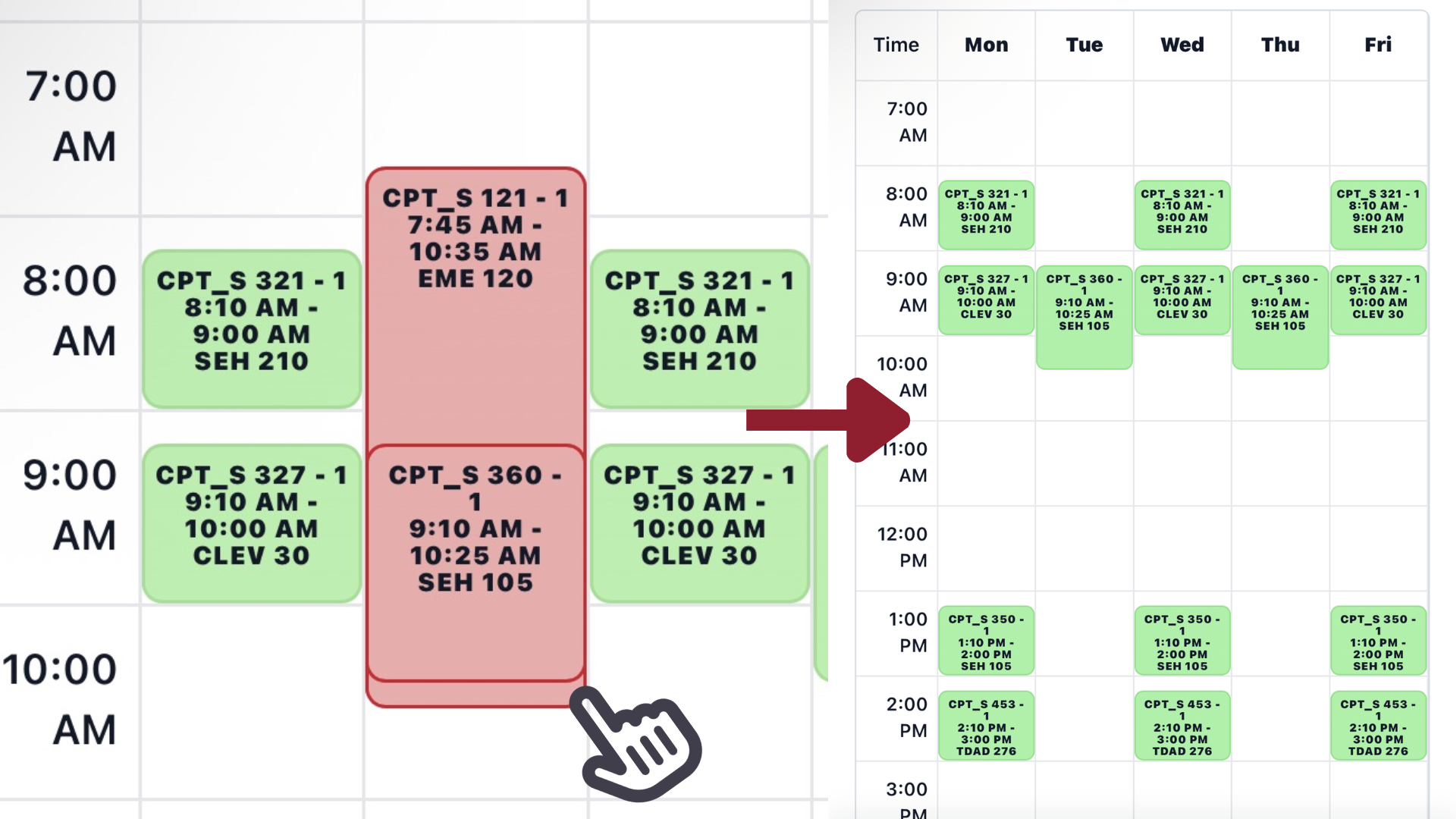
 Desktop search screenshot
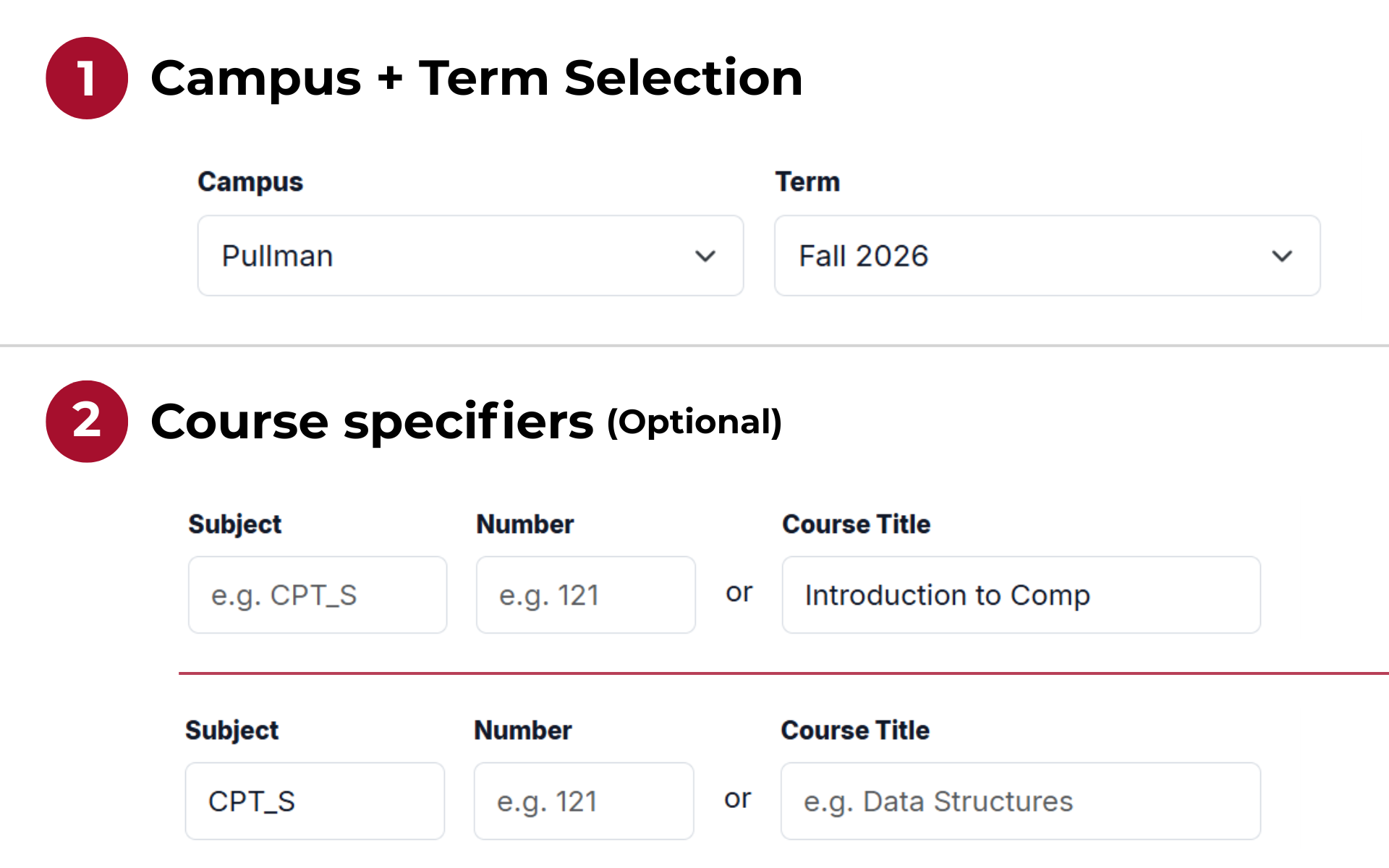
Find a class
Pick a campus and term, then search by subject + number or by course title.
Effective date: August 17, 2026
This Privacy Policy explains how Crimson Scheduler handles information when you use this website. Crimson Scheduler is designed to work without user accounts and without collecting names, student IDs, passwords, or other account-based personal information.
Crimson Scheduler does not ask users to create an account or submit personal information to build a schedule. When you use the schedule builder, the site may store your selected course sections, schedule name, and display preferences so the schedule can continue working while you use the site.
For security and abuse prevention, the site may also process your session identifier and, if needed, your IP address to enforce request rate limits. This information is used only to protect the service from excessive or abusive traffic and is retained for 7 days since last use.
If you contact the project by email or through GitHub, the information you choose to include in that message will be received through that service.
Schedule and preference information is used to provide the schedule-building features, restore your current schedule, import or export schedule data, and display the site according to your selected options. Contact information is used only to respond to the message or issue you sent.
Site traffic information from Vercel Web Analytics is used to understand whether the project is being used.
Crimson Scheduler uses browser storage for site functionality. The schedule builder stores selected course sections in a cookie named crimson_scheduler_schedule, which is set to expire after 30 days. The site also uses local storage for display preferences such as 24-hour time, hiding weekends, showing instructors, showing section numbers, and the schedule name.
The Django application may also use session and CSRF cookies to keep the site working securely. These technical cookies are not intended to personally identify users.
Crimson Scheduler uses Vercel Web Analytics to understand overall site traffic, such as page views and visitor counts. Vercel Web Analytics does not use cookies and stores anonymized usage data. The site also loads some front-end libraries from third-party CDNs, including Bootstrap, HTMX, and html2canvas. Those third-party services may receive standard technical information from your browser, such as your IP address and user agent, when those files are requested.
Crimson Scheduler does not sell, rent, or share user information for advertising. Schedule data is used to operate the schedule builder. If you contact the project through email or GitHub, your message is handled through that service.
Browser cookies expire based on their configured lifetime, and local storage remains in your browser until you clear it. Server-side session data and schedule records tied to a session may remain until routine database or session cleanup occurs. Email and GitHub messages may be retained according to the practices of those services and the project maintainer's normal workflow.
Rate-limiting records stored are temporary and generally expire after a short period of inactivity. Vercel Web Analytics data is retained according to Vercel's analytics practices.
You can clear your browser cookies and site data to remove locally stored schedule and preference information. You can also avoid sending personal information in GitHub issues or emails unless it is needed to explain your request.
Crimson Scheduler is intended for students and other users looking at course schedule information. It is not directed to children under 13, and it does not knowingly collect personal information from children under 13.
This Privacy Policy may be updated from time to time. When it changes, the effective date at the top of this page will be updated.
Privacy questions can be sent to d.montes-vilanova@wsu.edu. For general contact guidance, please view the Contact page.